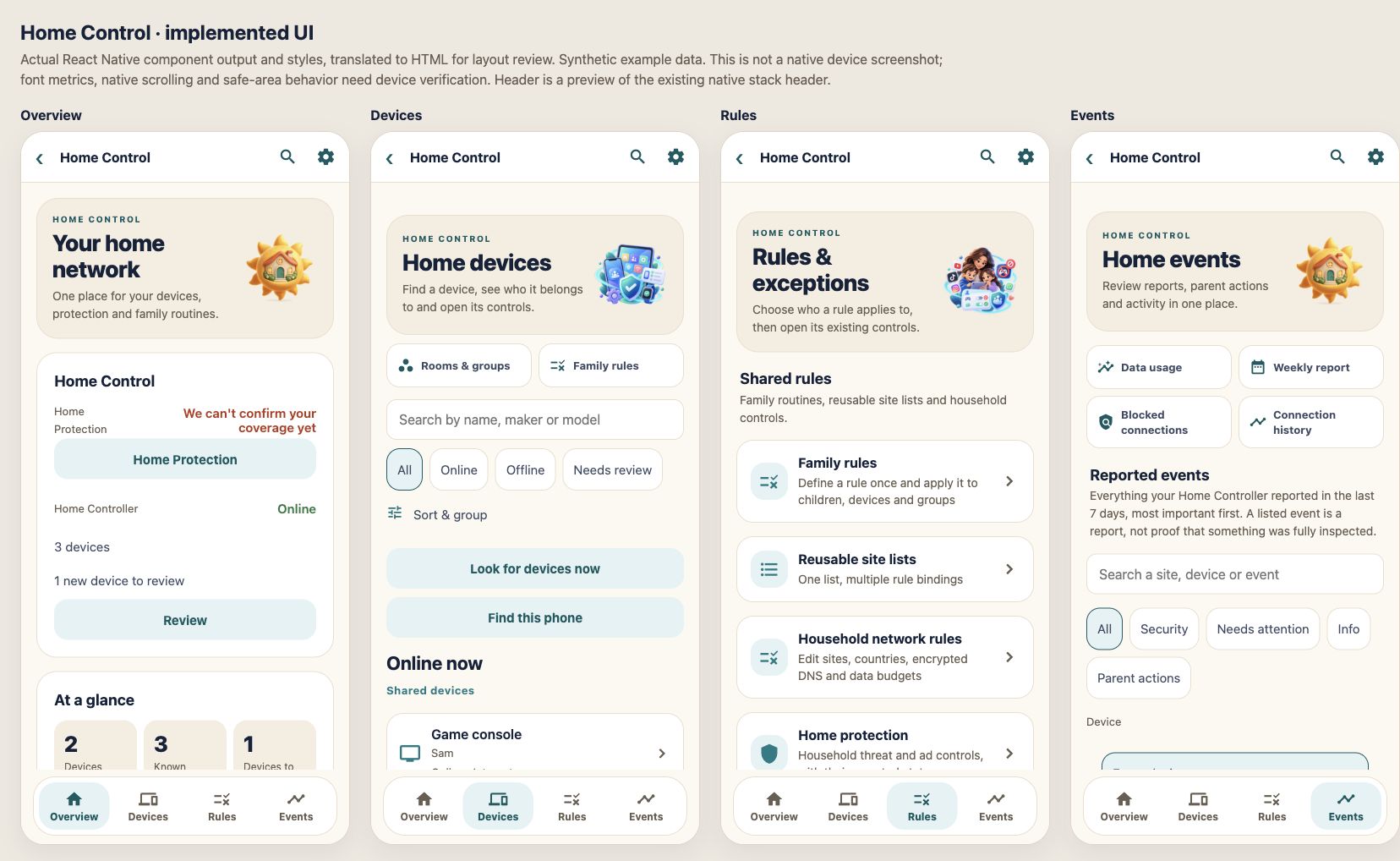
From our latest work: a coming-soon VPN option for selected devices and a much fuller security overview. Both are part of HomeControl on the Family + Home plan.
New tools work on a supported Brume 2 with the FamilyAtlas plug-in and your phone; some depend on your router and setup. The VPN option needs the plug-in 0.9.8 or later. FamilyAtlas itself is not publicly available yet.
In development for HomeControl
Five HomeControl improvements on the way
Our latest HomeControl work aims to make familiar devices easier to recognise, block lists easier to keep current, plug-in updates safer, busy moments lighter for the Home DNS filter and home protection harder for a device to skip. Here is what each one is meant to do, and what it will not do.
Devices · you confirm
Spot a device you already know
Phones, tablets and computers can switch to a new private Wi-Fi address, so a familiar device may show up as new. HomeControl may suggest which earlier device it could be and show why. Nothing moves until a parent confirms it; you can answer “No, a different device”, and undo a confirmation.
A suggestion is never applied automatically, and a device waiting for your approval stays waiting until you allow it.
Device names can be copied, so check before you confirm. The earlier device’s own rules, such as its schedule or limits, are not copied.
Site lists · block only
Keep a block list up to date
Create a subscribed reusable site list from a plain-text list you choose, published on GitHub, GitLab or Codeberg. FamilyAtlas updates it about once a day, or when you tap Refresh now, and a failed update keeps the last good version in use. FamilyAtlas includes no ready-made lists: you pick the source.
Up to 5 subscribed lists per family, each with at most 100 sites. Large ad or tracker lists do not fit and are refused whole, never cut short.
Plain domain lists and hosts files only, from https addresses on those sites; ad-blocker filter rules are not supported. Each site is blocked with its subdomains. Subscriptions stay off until FamilyAtlas turns them on for its servers.
Brume 2 plug-in
Safer plug-in updates
Plug-in updates stay signed and checked before they install. A new version now counts as installed only after the Brume confirms that it starts, reports the right version, can run the next update and keeps HomeControl running. If those checks fail and the last version that passed them is still stored on that Brume, it goes back to that version on its own.
Going back needs a stored copy of the earlier version that passed these checks on the same Brume. The first update after a manual install or a router firmware change has none, and the app then says the Brume’s state is not confirmed.
These checks show that the plug-in runs, not that filtering works on your network. Run Check in the app covers that.
Home DNS
Shared answers for duplicate lookups
When several devices ask for the same web address at the same moment, the Home DNS filter can make one lookup and give each device its own answer, after checking each request against that device’s own rules. Nothing is stored for later: the next request is checked and looked up afresh.
In tests on a computer, bursts of identical requests needed far fewer lookups. It has not been measured on a Brume 2, and we make no promise of faster browsing.
It only helps when the same request arrives while an identical one is still waiting; ordinary one-off lookups cost slightly more work. Encrypted DNS and TCP lookups are not shared.
Protection · you switch it on
Fewer ways for a device to skip home protection
HomeControl stops known scam, phishing and malware sites for devices that look up websites through your Brume 2. Some phones, browsers and apps look them up their own way and miss that. With a new switch, HomeControl would bring those look-ups back through your Brume 2 for every device at home. You could also choose a look-up service that stops known bad sites itself: Quad9, Cloudflare’s security service or your own NextDNS profile. A parent switches it on, during setup or later, and can switch it off again.
It covers website look-ups only, not what a device sends or receives, and an app that brings its own look-up service we do not list can still get through. It is not antivirus.
While the switch is on, iPhones say iCloud Private Relay is off on your Wi-Fi. Devices you leave out of home protection keep their own settings, and if the Brume 2 stops, your internet keeps working without the filter.
Status: these five changes are written and in review. They have not been released to any Brume 2, have not been tried on real Brume 2 hardware, and may change before they reach families. FamilyAtlas itself is not publicly available yet.
Your hardware. Your choice.
A small gateway. A clear price.
About $80 on AmazonBrume 2, one-time hardware
FamilyAtlas does not sell hardware. Buy a GL.iNet Brume 2 (GL-MT2500 / GL-MT2500A) on Amazon, or use one you already own. HomeControl is part of the Family + Home plan ($12.99/month or $119.99/year). Keep your compatible Wi-Fi router or access point.
As an Amazon Associate, FamilyAtlas earns from qualifying purchases.
Brume 3: in validation. FamilyAtlas HomeControl does not support the GL.iNet Brume 3 (GL-MT5000) yet. The app can recognise a Brume 3 but does not set FamilyAtlas up on it. For HomeControl today, use a Brume 2. See Brume 3 on Amazon ↗
Internet → Brume 2 → compatible Wi-Fi access point → your devices
Illustrative topology. Follow the setup wizard for your network.
What to know before you start
Needs a GL.iNet Brume 2 with the FamilyAtlas plug-in. Brume 2 is a wired gateway, not a Wi-Fi access point. Keep a compatible Wi-Fi router/access point. Setup and verification are required.
FamilyAtlas does not sell hardware. A GL.iNet Brume 2 (GL-MT2500/GL-MT2500A) is about $80 on Amazon, and one you already own works too. HomeControl is part of the Family + Home plan ($12.99/month or $119.99/year). Buying the hardware does not enroll it automatically; you pair and verify it in the HomeControl setup.
 FamilyAtlas