 FamilyAtlas
Look-alike addresses
Letters from another alphabet, digits in place of letters, a brand name joined to words like “login” or “secure”, or a real bank address hidden inside a stranger’s.
Guard is a Chrome and Edge extension for adults and older parents. It catches look-alike bank, payment and delivery sites, fake virus alerts and paste-this-command tricks, then says plainly what to do next.
Join early accessEarly access: Guard is not listed in the Chrome Web Store yet. Every screen on this page is a real capture of the extension’s own warning.
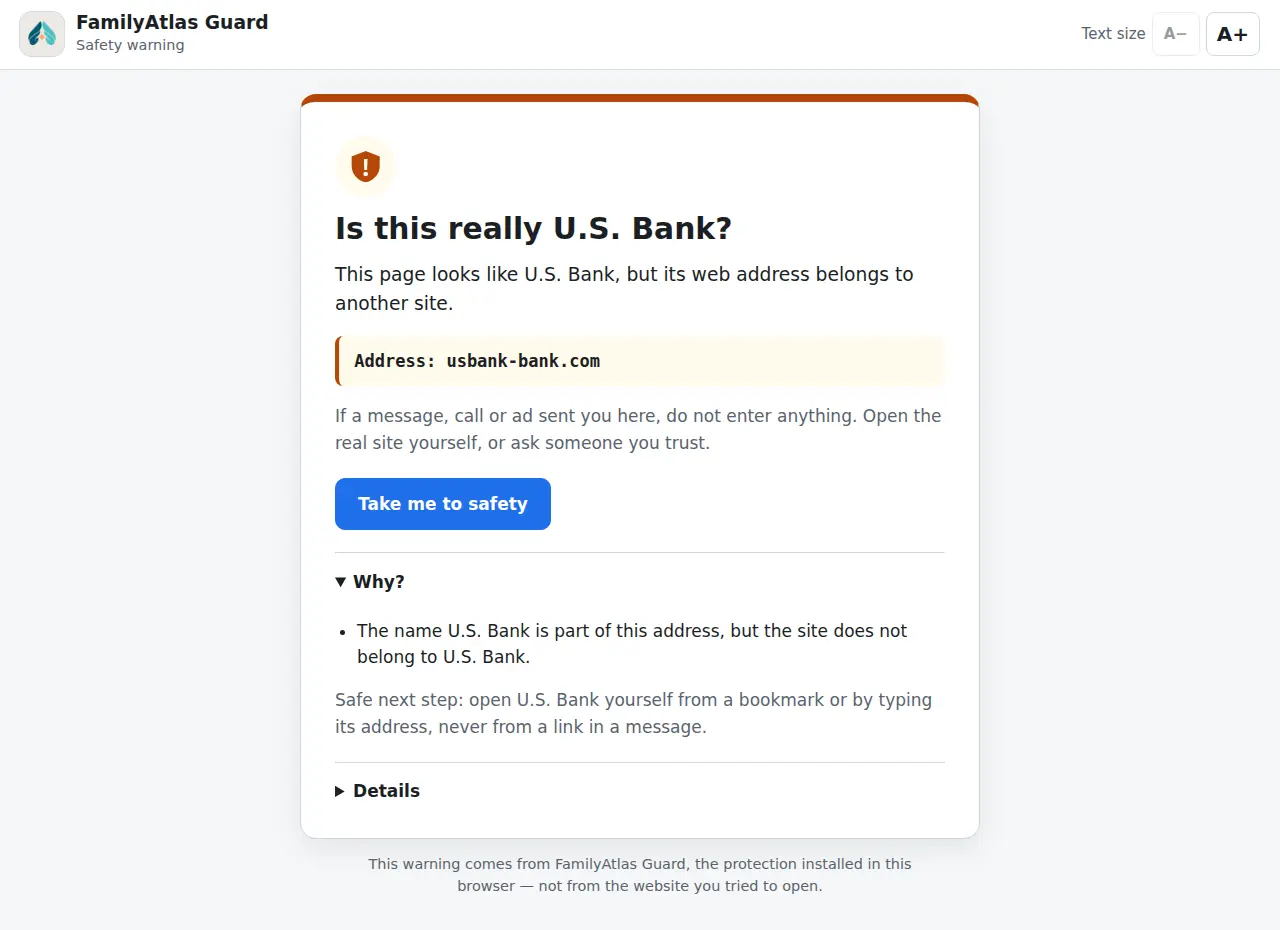
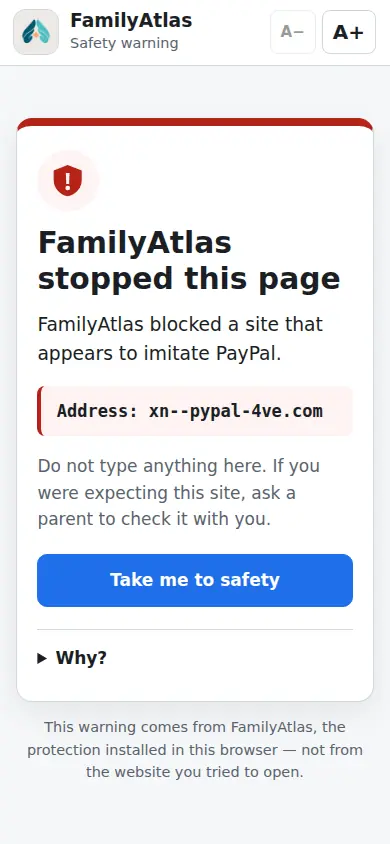
Letters from another alphabet, digits in place of letters, a brand name joined to words like “login” or “secure”, or a real bank address hidden inside a stranger’s.
Major US banks, card issuers and payment apps, the IRS, SSA and Medicare, carriers and retailers, plus every active FDIC-insured bank that lists a website with the FDIC.
A regularly refreshed list of phishing and malware addresses, checked inside the browser. Downloading the list sends no address.
A password about to leave a suspicious page for a different site is stopped first, with a plain explanation.
Scam pages claiming the computer is infected are covered with an explanation. Instructions to press Win+R and paste a command are flagged.
Scammers often ask people to install a remote-access tool. Guard pauses that download so there is a moment to stop and check.
One clear message, the address in its own box, one big safe button, and a “Why?” that explains the trick in a sentence.
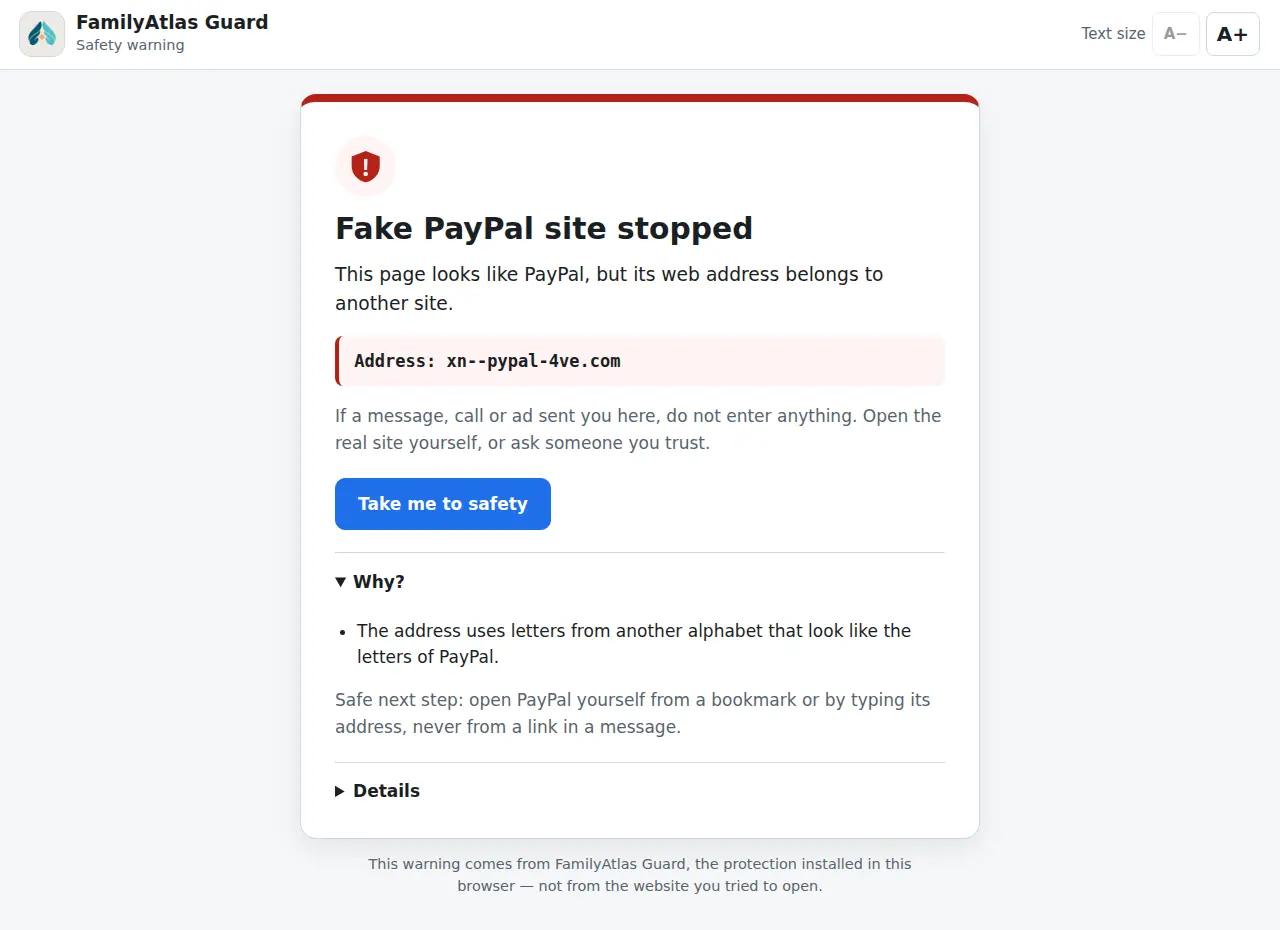
The address spells PayPal with a Cyrillic “а”. Guard blocks it and names the brand being imitated.
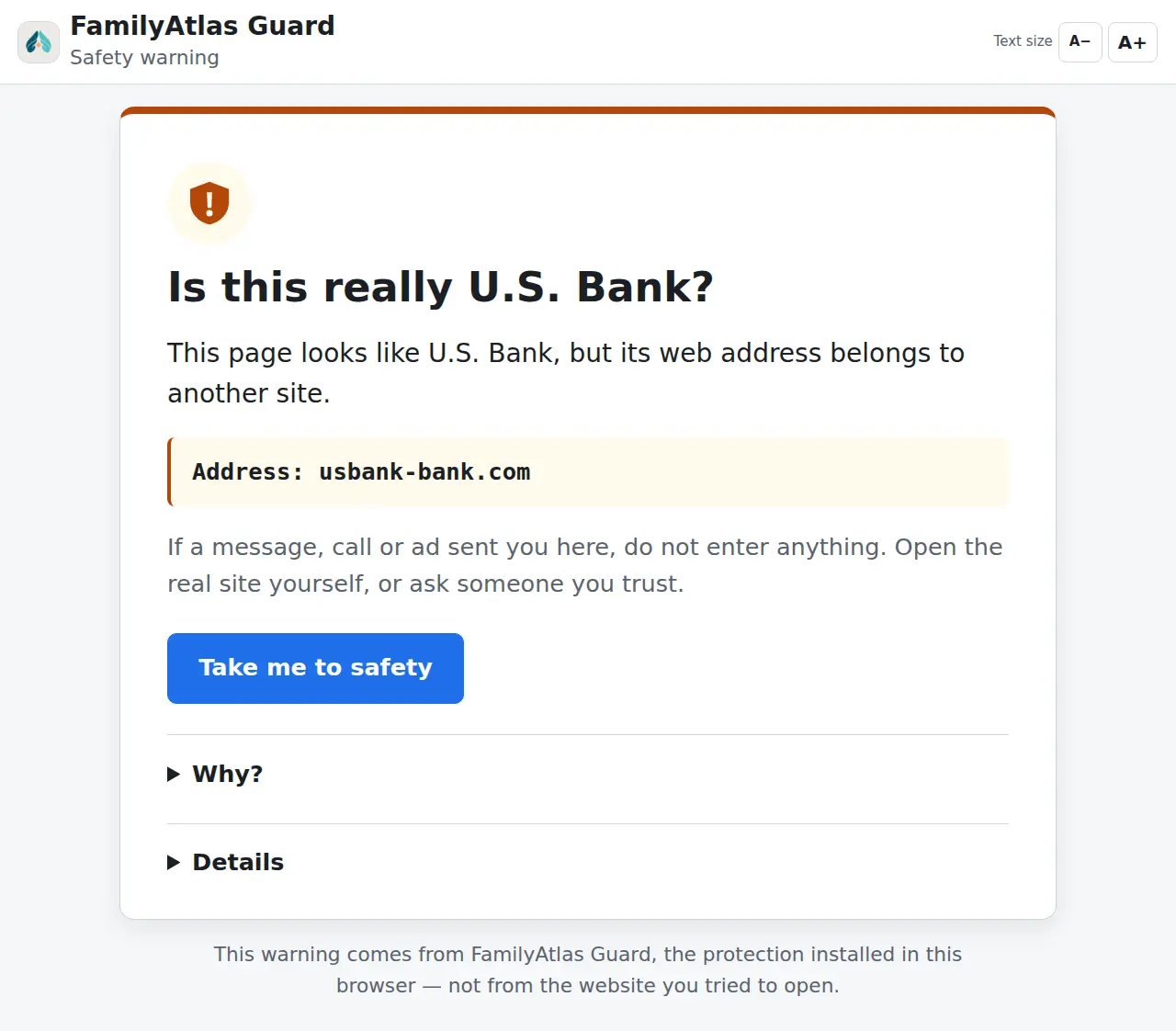
A− and A+ change the size in five steps. The choice is remembered on that computer only.
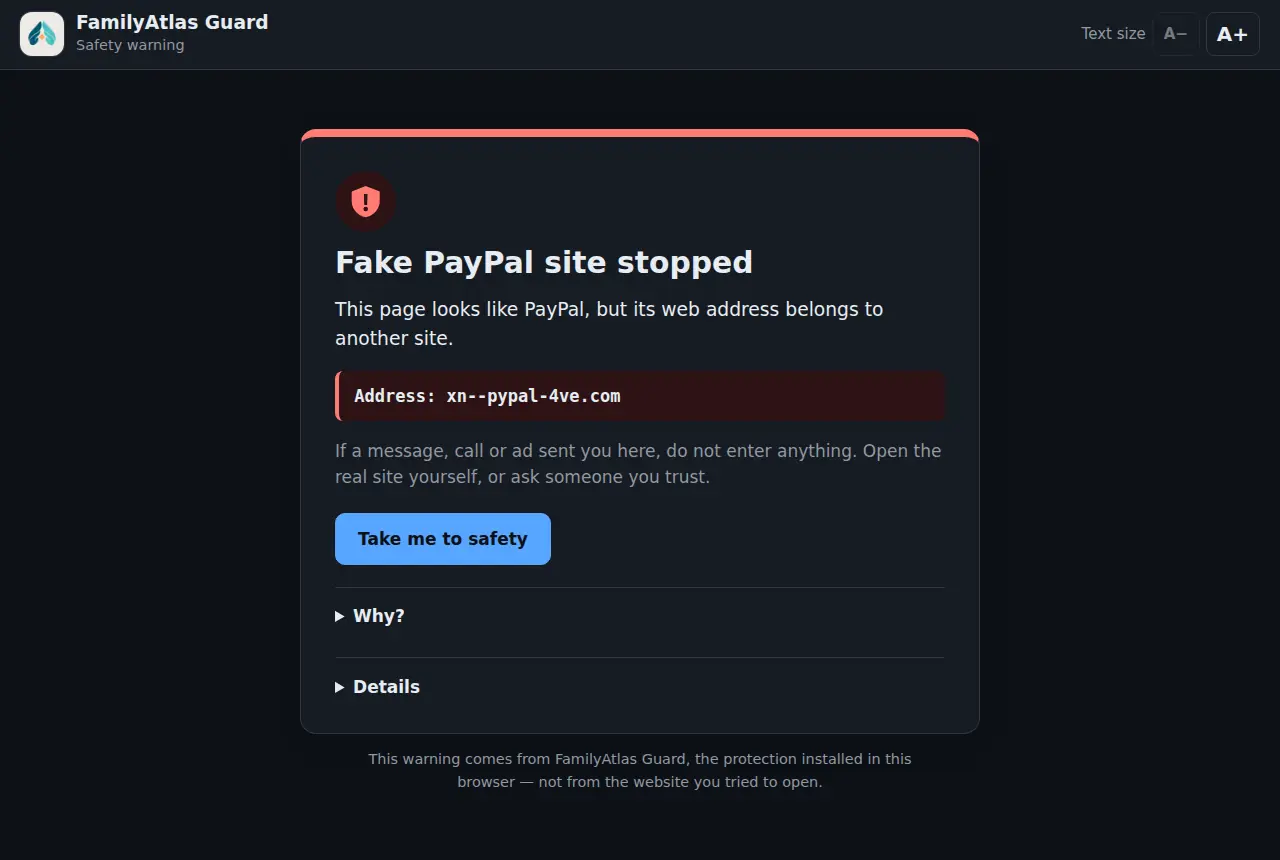
The page follows the computer’s light or dark setting and keeps strong contrast in both.
In the FamilyAtlas child extension the same engine speaks to a child, and a block has no way past.

Checks happen inside the browser. Guard has no browsing-history permission and never records or sends which sites are visited.
Optional family link: if the person chooses, Guard can tell a family member that it stopped something — the kind of threat and the imitated brand’s name, never the address or anything typed. Either side can end the link at any time. An optional strict mode removes “continue anyway”.
Read the privacy notice
Guard covers Chrome and Edge where it is installed. It does not see email, text messages, phone calls, other browsers or apps, and no tool catches every scam.
Bank and company names appear only as examples of what scammers imitate. FamilyAtlas is not affiliated with them.
Join early accessLooking after a child’s computer? See the FamilyAtlas child browser extension.