Other parental control apps think of their investors first, and you second. We built FamilyAtlas for our own kids β no data for sale, no hidden ads, just protection that actually works.
Most other parental control companies have one goal: getting you to renew your subscription. Their screens are designed to scare you into buying, then forget about you. We used one ourselves β and it wasn't enough for our own family.
We're parents too. We wrote code because we're parents who want to know what's happening on our child's phone, but also want to respect their privacy. We built FamilyAtlas not for investors, but for the arguments at our own kitchen table: "How much screen time should there be tonight?", "Are they safe after school?", "Should I let them download this app?"
That's why we don't sell your data, we don't quietly show your child ads, and we don't inflate our price with fake discount tricks. We have one purpose: to keep your family safe.
These products see your child's location, messages, and screen habits β but almost none of them openly explain what they do with your data. We're telling you upfront.
Your child's location, usage, or content data is never sold or shared with third parties, advertisers, or data brokers, under any circumstances. Full stop.
Your family's data is never used to build an advertising profile. You are our customer β not a product for sale.
When you close your account, your data is completely removed from our servers. There's no secret copy kept forever.
Not a fancy demo β the flow of a real day. Scroll and watch the app's screens change.
Sign up with email, and set up your family and profiles in a few minutes.
Pair it with an activation code or a QR code β the setup wizard guides you step by step.
Choose the filter level, schedule, and focus hours. FamilyAtlas applies them quietly.
The morning routine starts on its own: educational apps are open, social media and games are locked during school hours. You don't have to do a thing.
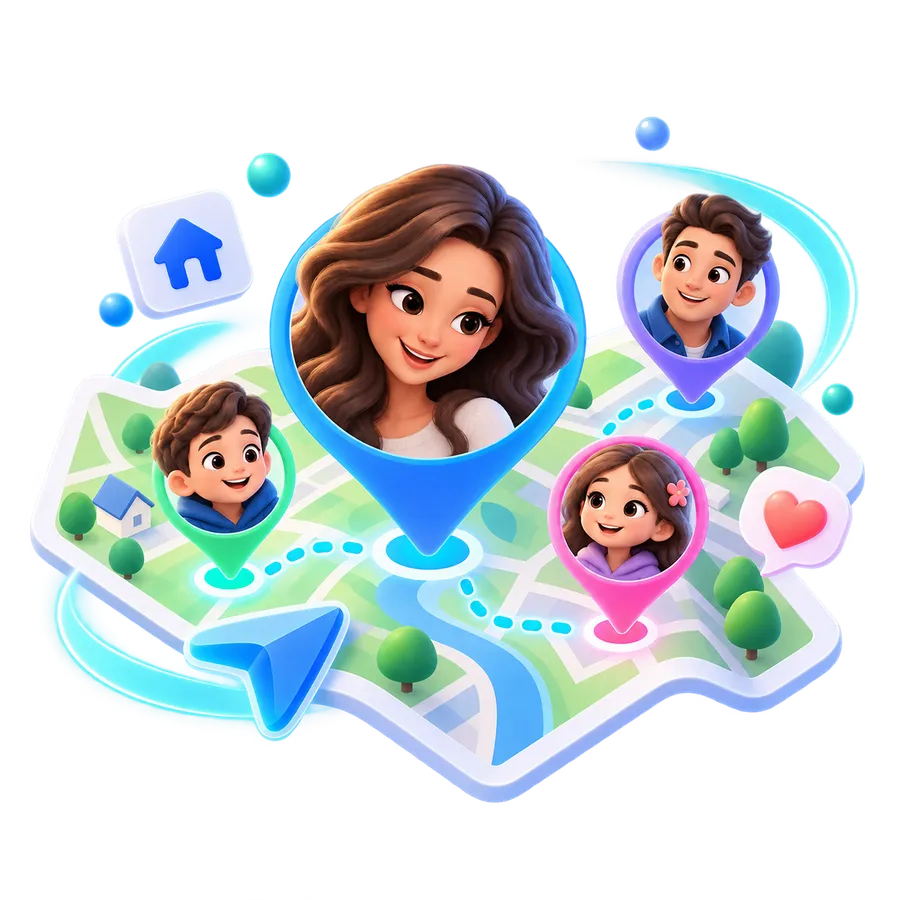
Your phone lets you know when your child leaves school and heads home. You're not watching constantly β you just know about the moments that matter.
Distracting apps are switched off for 2 hours, while educational tools stay open. Your child can ask you for extra time whenever they need it.
As bedtime nears, the screen dims, but the morning alarm still works. You know everything's fine without even glancing at your phone.
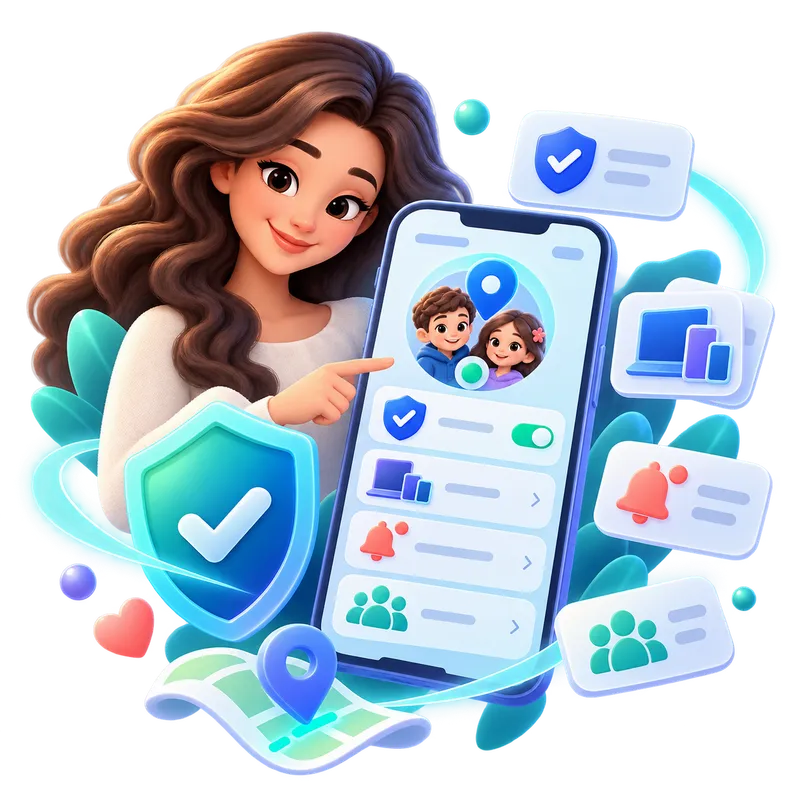
The solar system below is a small working copy of the FamilyAtlas home screen. Tap a child and their phone and settings gather around them.
This section is a demonstration. The family, the devices and the settings here are sample data: nothing you change is saved, written to any account, or sent to any device.
Sample devices and settings for {name}. Changes show up in this demo only.
Tap a family member, or choose one with the keyboard.
Saved in the demo: {name} Β· {setting} β {value}. Nothing actually changed β this site is a preview.
Cancelled. Nothing changed, not even in the demo.
Instead of dozens of confusing menus, nine core tools that genuinely help in everyday life.
Age-appropriate category and platform rules β no need to block every single site one by one.
Daily limits, bedtimes, and focus windows β set up with a single tap.
Automatically turns off distractions during homework or study hours, while keeping educational tools open.
Not constant tracking β a notification for the moments that matter: arriving home, leaving school, leaving a safe zone.
Instead of imposing bans, reward good habits with extra time or small privileges.
The moment a permission gets turned off or a rule can't be applied, you find out instantly β you're never left in the dark.
Allow, limit, or fully block each app and platform β without hunting down individual sites.
Phone, tablet β manage all of your child's devices from one profile, with one set of rules.
See how much time is spent in which app with weekly summaries, and turn it into a conversation.
The core features are similar across most apps. The real difference is how open they are with you β and what they do with your data.
*Based on general trends observed on the public websites of Bark, Qustodio, Mobicip, Aura, Norton Family, Google Family Link, FamilyTime, and Net Nanny (as of early 2026). This comparison reflects general observation and doesn't target any specific product.
Most apps hide this. We don't β because trust is stronger than secret surveillance.
Our goal isn't to spy, it's to protect. We don't read your child's private messages; we only let you know when there's a genuine risk.
A 2-year-old and a 16-year-old don't need the same thing. FamilyAtlas suggests rules by age, and you approve them.
2β5 years
Bedtimes and simple, safe content.
6β9 years
Location sharing and the first digital boundaries.
10β13 years
Balancing homework and play, and focus time.
14β17 years
Fewer restrictions, more transparent boundaries.
We make money from you β not from your data. That's why we don't hide our price, or pad it out with fake discounts.
Unlimited devices Β· All profiles Β· Cancel anytime, no strings attached
Join the list for early access and a special price before launch β no spam, just real updates.
Enter your email and confirm your signup on our early-access page.